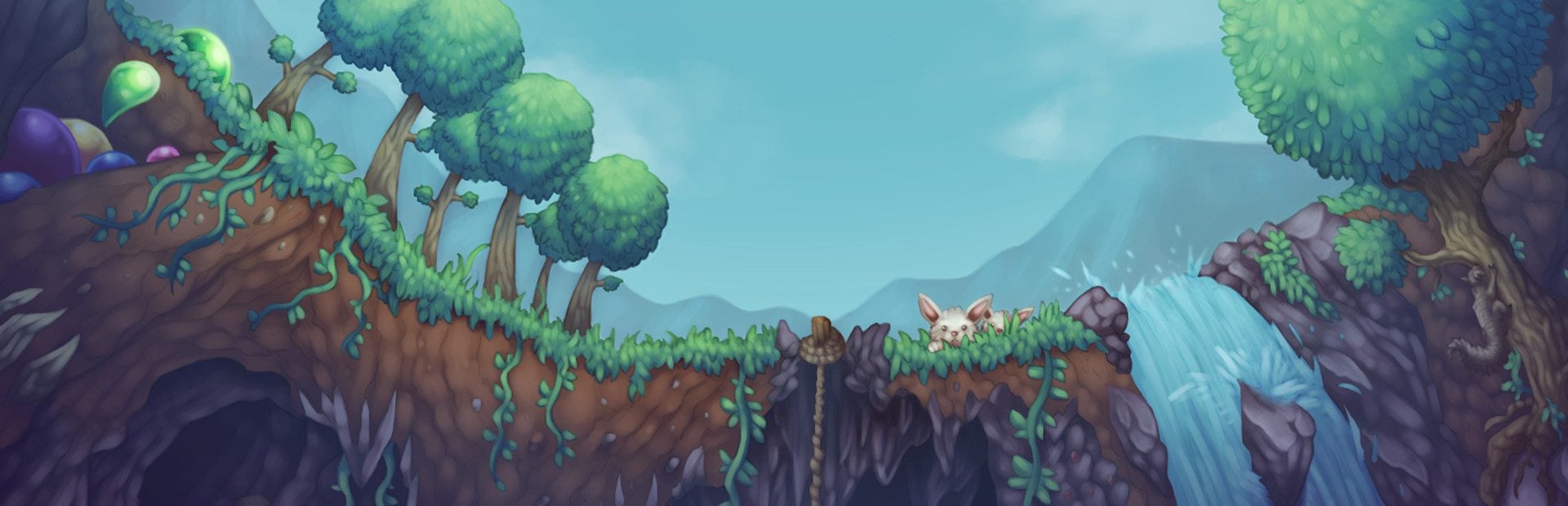

Terraria Server Hosting
Your own Terraria server for vanilla or tModLoader. Steam Workshop mods that install themselves, worlds that are created for you, automatic updates and a server that is online for your friends 24/7.
Pick a size, or build your own
- VibeSHIELD DDoS protection
- Scheduled restarts
- Backups in the panel
- SFTP and console
- Pay monthly, stop anytime
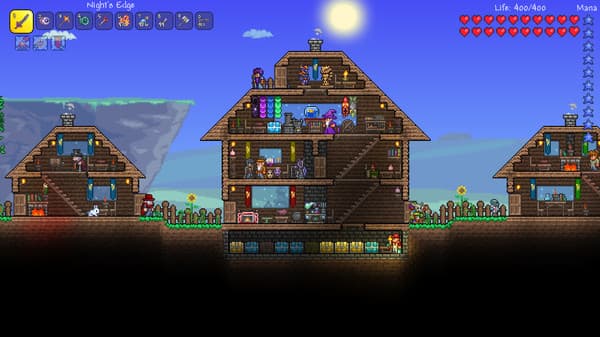
Suits about 1-8 players
Terraria I
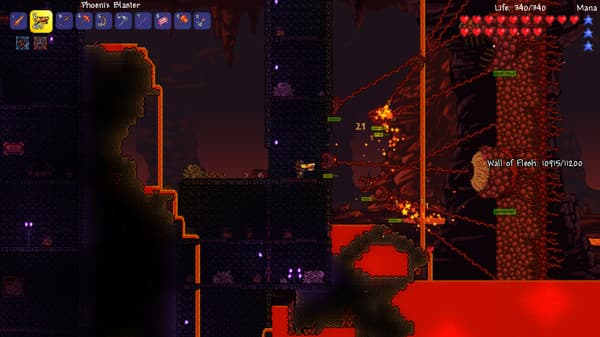
Suits about 8-16 players
Terraria II
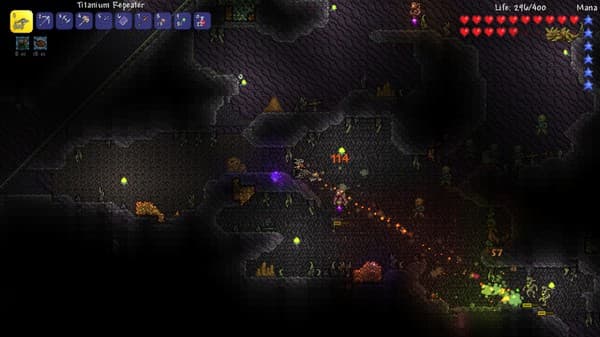
Suits about 16-32 players
Terraria III
Suits about 32-64 players
Terraria IV
Pick the memory, CPU threads and storage yourself. Change the size later, any time.
You pay for what you pick, per GB and per thread.Configure serverWhat customers say
 4.4 out of 5 on Trustpilot, based on 651 reviews

Hassan Rashid
Jul 29, 2026

always love to work with them Goat customer since 2021

Joshua Blackman
Jul 15, 2026
I am never leaving this company , I have tried other VPS providers and this is on another level, never lags or crashes . Not just that, the customer service is efficient and really good. They are always there to help with your issues. Thank you VibeGames and Matt has helped me out countless times. Appreciate you all

Icee Gamer
Jun 20, 2026
Great help W
A Terraria server that is always there
A Terraria world on a hosted server keeps going when the host goes to bed: nobody has to keep their PC on, nobody needs to forward ports, and everyone joins the same world with the same progress. Pick a world size and difficulty, or a special seed, and the server creates the world on its first start.
Prefer mods? Choose a tModLoader plan: paste Steam Workshop links on the Mods page, and the server downloads and enables them on the next start. Players get the same mod list the moment they join, so nobody has to install anything by hand.
Terraria hosting at a glance
- Memory
- 2 to 8 GB
- Price
- from € 6,55 / mo
- Locations
- 15 worldwide
- DDoS protection
- VibeSHIELD game profiles
- Delivery
- Online in minutes
What your Terraria server comes with
The things that make running a Terraria server a chore are done for you:
Game Settings page
World name, size, difficulty, seed, password, player limit and the message of the day, as plain settings in the panel instead of a config file.
Workshop mods on tModLoader
Paste Workshop links or a whole collection; the server downloads the mods, enables them and keeps them updated on every start.
Always the right version
Terraria and tModLoader update themselves on every start, so your players on the newest game version can always join.
Attacks stop before they reach your world
Every Terraria server sits behind VibeSHIELD. Attacks are filtered at 46 locations close to where they start, and anything that is not Terraria traffic is dropped. Included, nothing to set up.
How VibeSHIELD worksWhich Terraria plan do you need?
Vanilla Terraria is light; tModLoader with large content mods such as Calamity is not. The memory you need follows the mod list more than the player count:
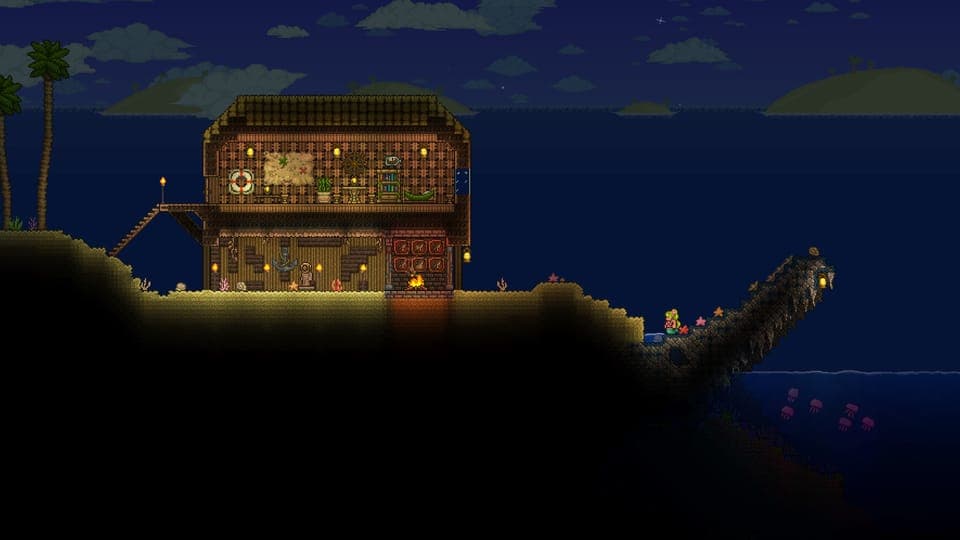
A vanilla world
Terraria I
2 GB for up to 8 friends on a vanilla or lightly modded world, small or medium.
See this plan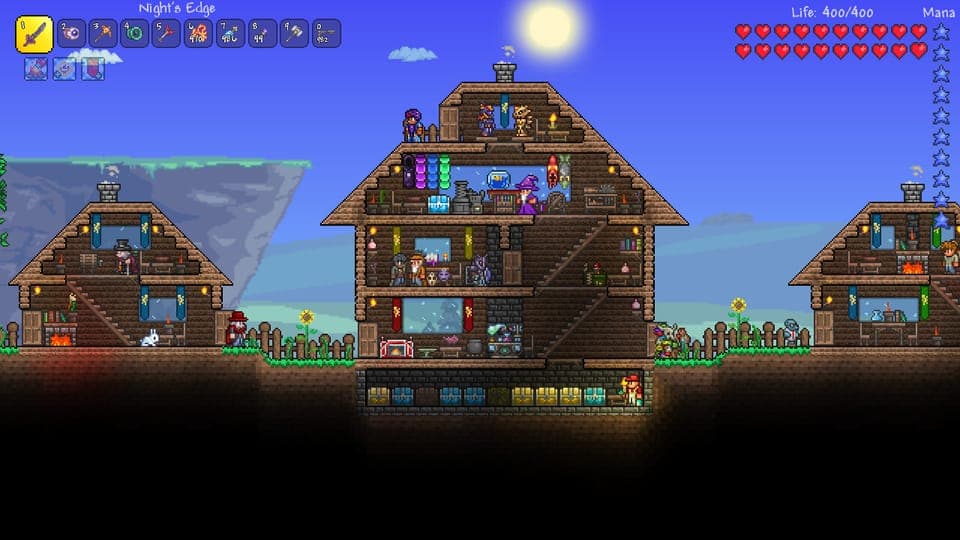
tModLoader with mods
Terraria II to III
4 to 6 GB for a large world with content mods, quality-of-life mods and 8 to 16 players.
See these plans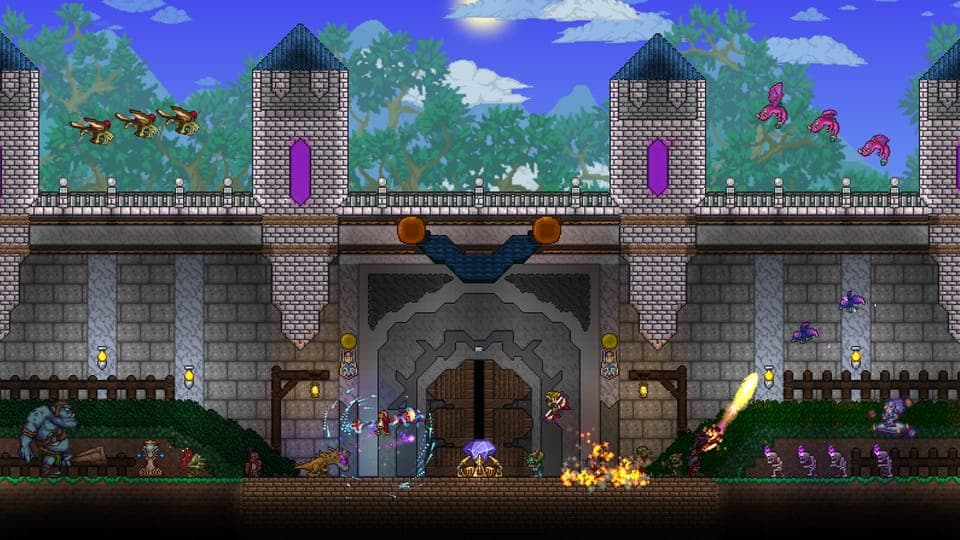
Large modpacks
Terraria IV
8 GB for Calamity, Thorium and friends together, with a large world and 16 or more players online.
See this plan15 locations, sorted by your ping
Terraria sends every block change and projectile to every player, so a server close to your group keeps the game smooth. Your browser measures every location while you read.

 Amsterdamping
 Frankfurtping
 Warsawping
 Bucharestping
 Istanbulping
 New Yorkping
Online in minutes. Then make it yours.
From order to the first join:
All 7 Terraria guidesMove an existing world to VibeGAMES
Already playing on a world hosted from someone's PC or at another host? Bring it along:
- 1Upload the .wld file (and the .twld file for tModLoader) to the worlds folder through the file manager or SFTP.
- 2Set World Name under Game Settings to the file name without the extension.
- 3Start the server; it loads your world instead of creating a new one.
Frequently asked questions
Not in the list? Open a ticket and our team answers, or look it up in the help centre.
Is tModLoader included?
Yes. Every plan can run vanilla Terraria or tModLoader. On a tModLoader plan the Mods page handles Steam Workshop mods for you.
Do my friends need to buy anything?
Only Terraria itself. tModLoader is a free addition on Steam, and it installs the server's mods automatically when they join.
Can I use a special seed like Drunk World or For the Worthy?
Yes. Enter the seed under Game Settings before the first start, and the server creates the world with it.
How many players can join?
You set the player limit yourself, up to 255. The plan advises a comfortable number; Terraria itself stays smooth with 8 to 16 players on most worlds.
Can I upload my own world?
Yes. Upload the .wld file to the worlds folder, set the world name in Game Settings and start the server.
How do updates work?
The server checks for a new Terraria or tModLoader version on every start and installs it, so players on the newest version can always join. You can pin a version if you prefer.
Can I switch between vanilla and tModLoader?
Yes, support switches the server between the two in a few minutes; your worlds stay on the server.
Is there a password option?
Yes. Set a server password under Game Settings and only people who know it can join.
Where are my worlds stored and are they backed up?
Worlds live in the worlds folder on the server. The panel backup feature snapshots them whenever you want, and automatic backups are available as an add-on.
Can I run server commands?
Yes. The console on the panel is the server console: say, kick, ban, time, settle and every other Terraria server command work there.
Start your Terraria server tonight
Order now and your server is online in minutes, behind VibeSHIELD, in the location closest to you.